
How to Make a Photography Portfolio Website (Step-by-Step Guide)
Pages, photo selection, speed, packages and SEO — a practical guide to building a photography portfolio website that gets bookings.
 Ashish Yadav19 Nov 2026, 4 min read
Instagram is great for being discovered, but it is a poor place to be chosen. Clients scrolling your feed see your last few posts in random order, can't find your prices, and lose your profile among a hundred others. A portfolio website puts your best work, your packages and a booking form in one place that you control — and it shows up when someone searches "wedding photographer in Lucknow".
This guide walks you through building a photography portfolio website step by step: what to include, how to choose and prepare photos, and the mistakes that cost photographers bookings.
Step 1: Decide who the website is for
A portfolio that tries to show everything — weddings, babies, products, real estate, events — looks unfocused. Pick the one or two kinds of work you want more of, and build the site around them. You can still list other services, lower down.
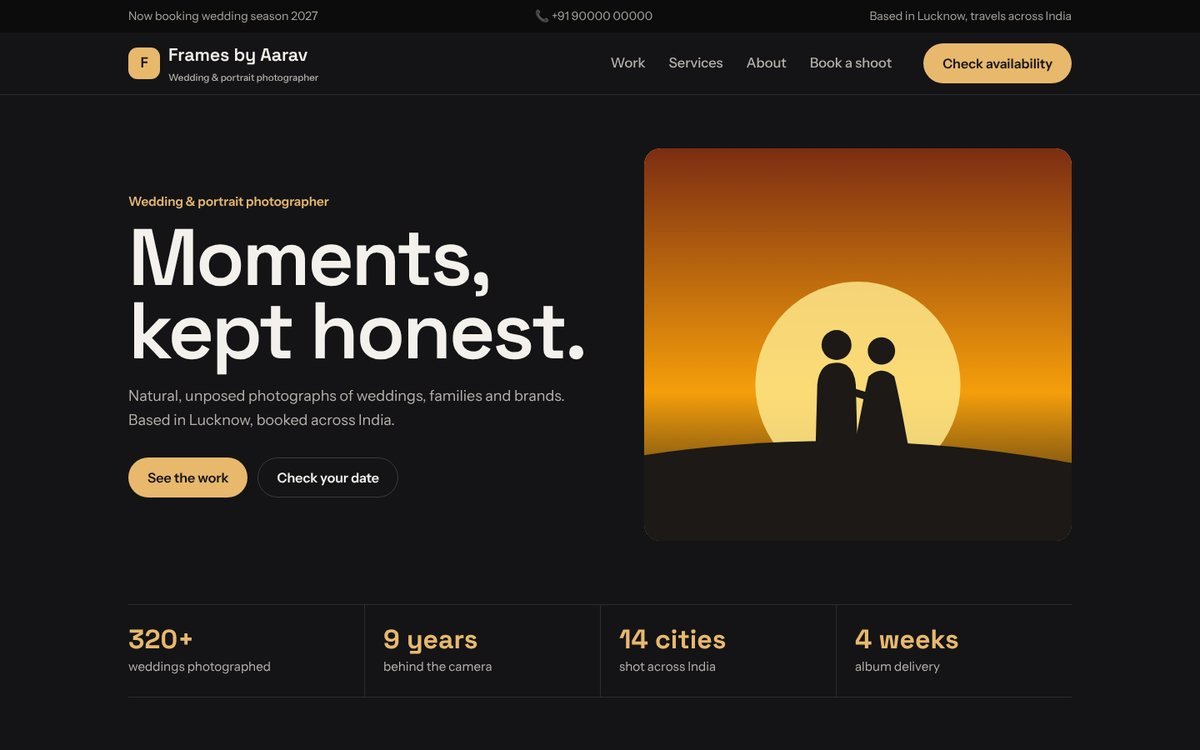
Write one sentence for the top of your home page that says who you photograph and where. For example: "Natural wedding and portrait photography in Lucknow, available across India."
Step 2: Plan the pages
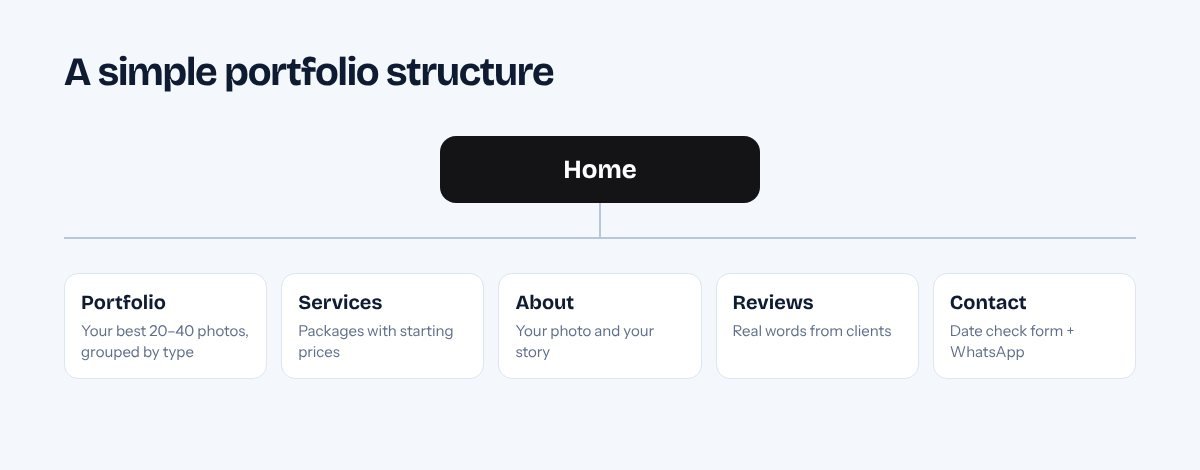
- Home — one strong photo, your one-line pitch, 6–9 best images and a "Check your date" button.
- Portfolio — galleries grouped by type (weddings, pre-wedding, portraits, products). Each wedding can be its own story.
- Services & packages — what's included and a starting price for each.
- About — a real photo of you and a few honest lines. Clients book people, not cameras.
- Reviews — short quotes from real clients, with their names and event.
- Contact — a date-check form, WhatsApp button and the cities you cover.
Step 3: Choose your photos (the hardest part)
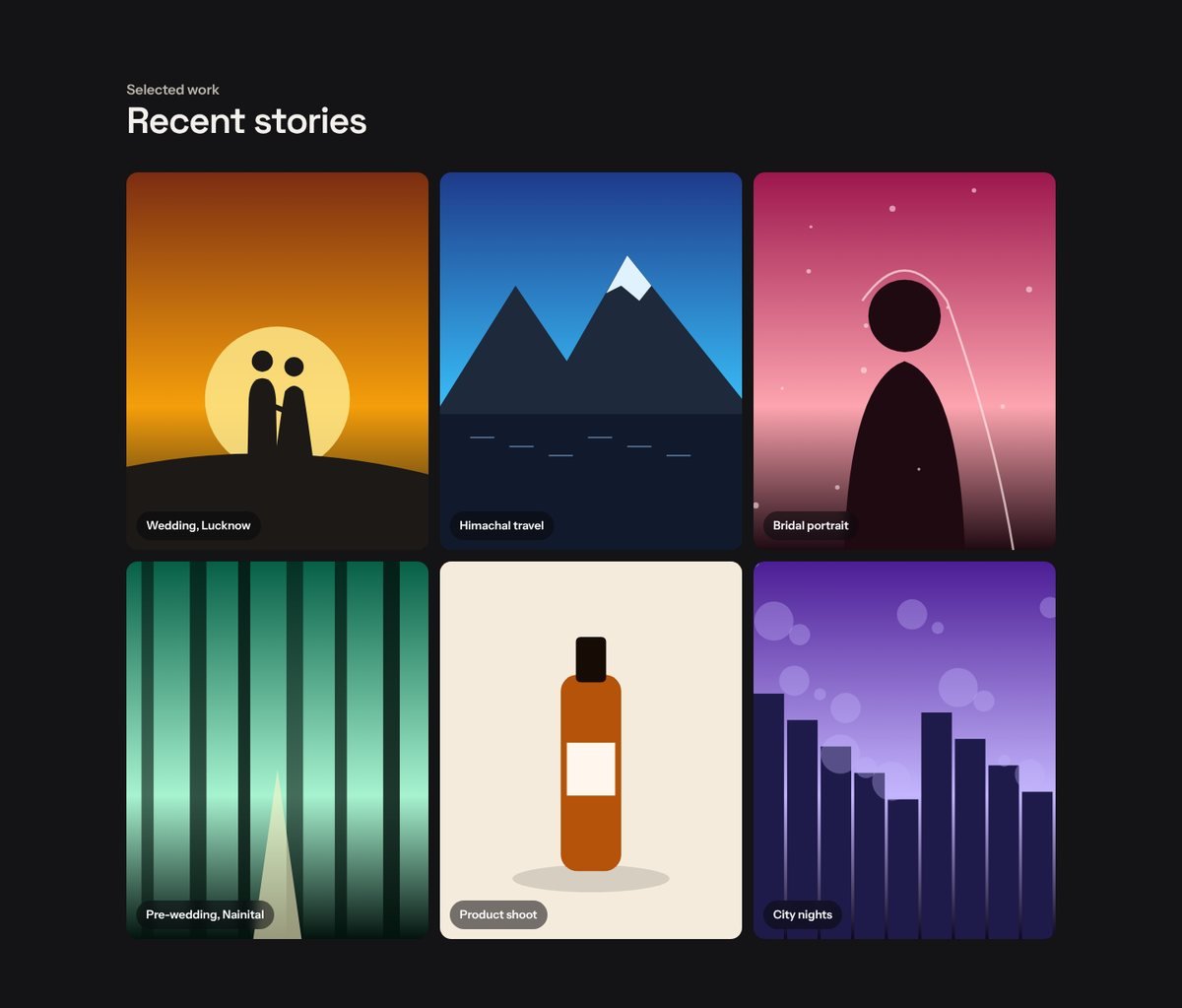
- Show 20–40 photos, not 400. Every weak photo makes the strong ones look weaker. Ask a friend to help you cut.
- Show variety inside each gallery: wide venue shots, candid moments, details, portraits and family photos.
- Tell full stories. For weddings, 15–25 photos from one event in order show couples how you'd cover their day.
- Get permission from clients before publishing, especially for portraits and family photos.
Step 4: Make photos load fast
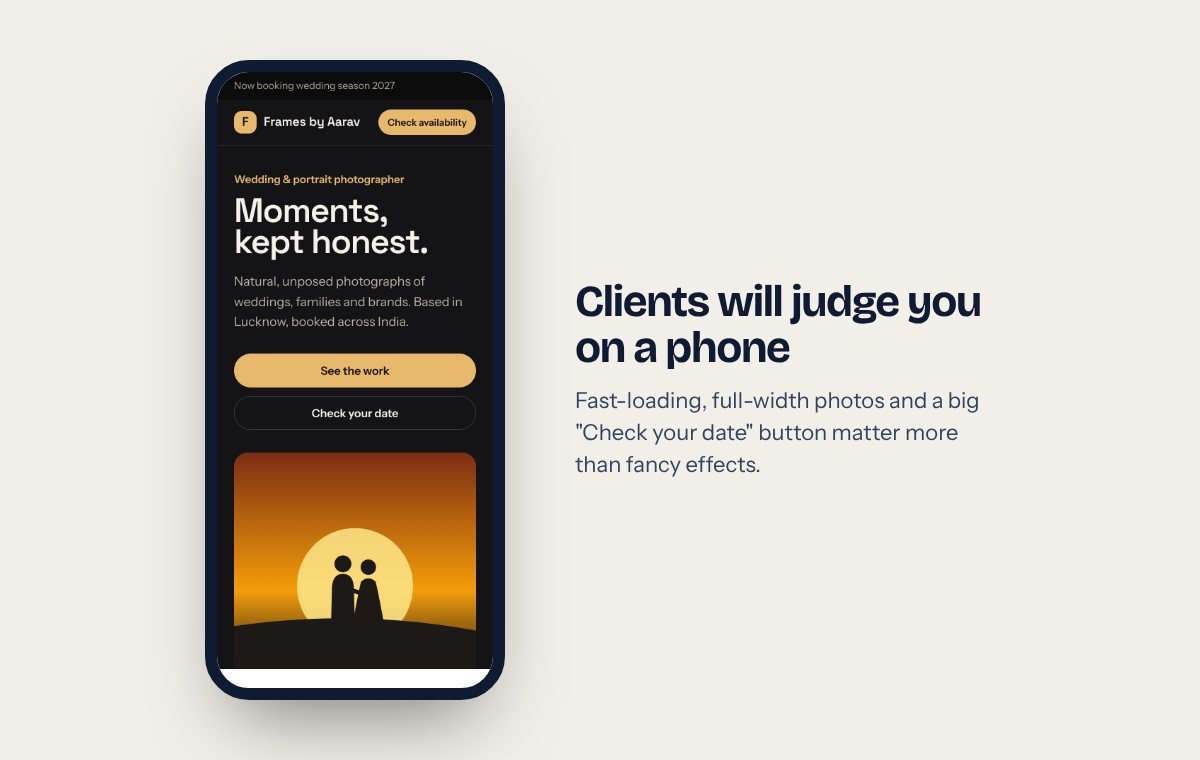
Photographers' websites are often the slowest on the internet because full-size camera files are uploaded directly. A 12 MB photo can take seconds on mobile data — and visitors leave.
- Export web images at around 2000 px on the long side and compress them (JPG quality 75–85, or WebP).
- Use lazy loading so photos lower on the page load only when needed.
- Test your site with our free website speed & SEO check — aim for a green speed score on mobile.
Step 5: Show your packages
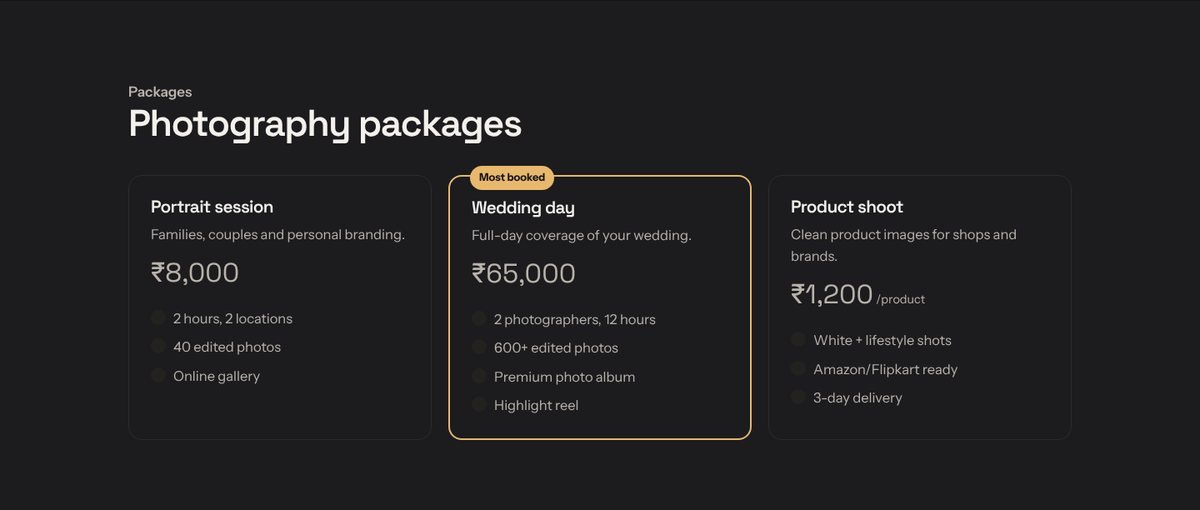
Many photographers hide prices and say "DM for rates". That brings more messages, but most of them are people who can't afford you. A "starting from" price per package saves both sides time and makes serious clients more comfortable contacting you.
Step 6: Make booking easy
- A short form: name, phone, type of shoot, date and city.
- A WhatsApp button on every page (make your link with our free WhatsApp link generator).
- Your reply time ("I reply within a few hours") — it reduces anxious follow-up messages.
Step 7: Help Google find you
- Use your city in page titles and headings: "Wedding Photographer in Lucknow".
- Write short descriptions for each gallery (venue, city, season). Google can't see photos, it reads text.
- Give every image descriptive alt text ("Bride and groom at sunset, Nainital pre-wedding shoot").
- Create a Google Business Profile and collect reviews after every shoot — our review QR card helps.
Common mistakes to avoid
- Background music that starts on its own.
- Right-click blocking and heavy watermarks — they annoy clients more than they stop copying.
- Galleries that only open on desktop or need a "Flash" style slideshow.
- No phone number or WhatsApp visible on mobile.
How long does it take and what does it cost?
With our photography portfolio design, a Basic site (up to 5 pages, domain, SSL and logo included) is ₹9,899 one-time and goes live the same day once we have your photos. If you want separate galleries for many weddings and a blog you update yourself, Pro (₹19,899, ready in 1 day) is the better fit. See everything on the pricing page.
Open the photography demo and click "Get this design" when you're ready.
Tell us about your business. We'll reply on WhatsApp within an hour.
No sales calls you didn't ask for. Just a clear answer on what you need and what it costs.