
How to Make a Real Estate Website Online: Pages, Features and Cost
The pages, listings, EMI calculator and trust signals a property dealer or builder website needs — plus what it costs and how to get enquiries.
 Ashish Yadav19 Nov 2026, 4 min read
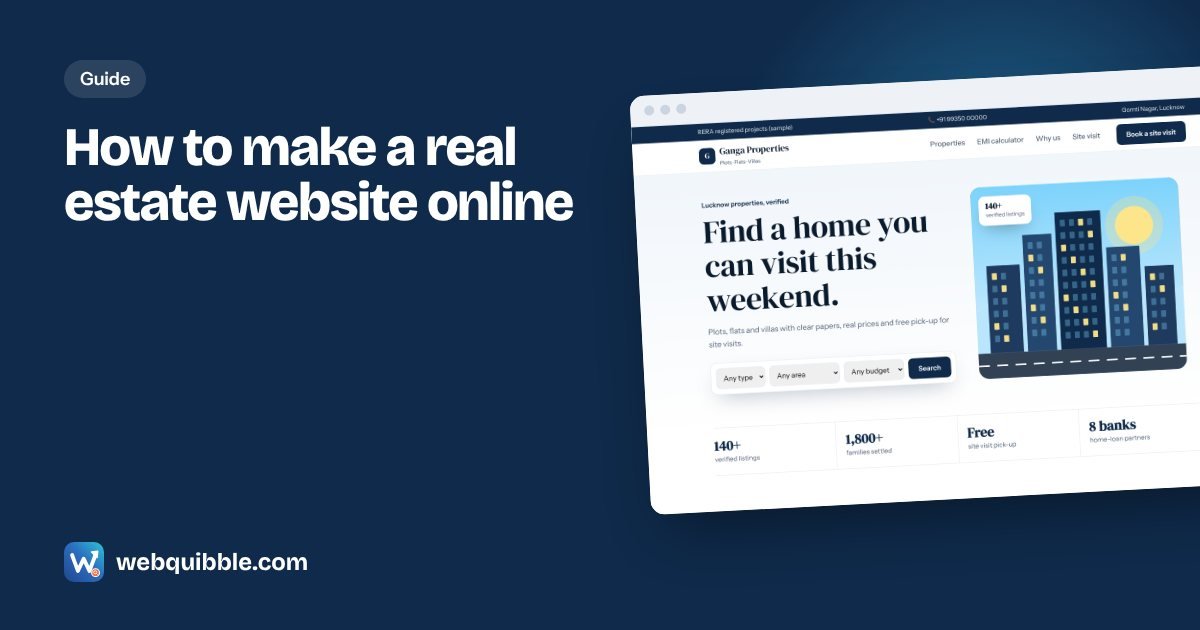
Property buyers do weeks of research before they call a dealer. They compare locations, prices, sizes and builders online — and they trust dealers who look established. A real estate website does three jobs for you: it shows your listings 24 hours a day, it makes you look credible next to big portals, and it brings enquiries that are yours alone (not shared with ten other agents).
This guide covers how to make a real estate website online: the pages you need, the features buyers expect, what it costs, and how to get enquiries from it.
Step 1: Decide what kind of property website you need
- Dealer / broker website — many properties from different owners: flats, plots, shops and rentals. Needs listings and search.
- Builder project website — one or a few projects. Needs floor plans, amenities, location advantages, brochure download and construction updates.
- Plotting / colony website — one layout with many plots. Needs a site map, plot sizes, approvals and site visit booking.
Most local dealers start with the first type and add project pages later.
Step 2: Plan the pages
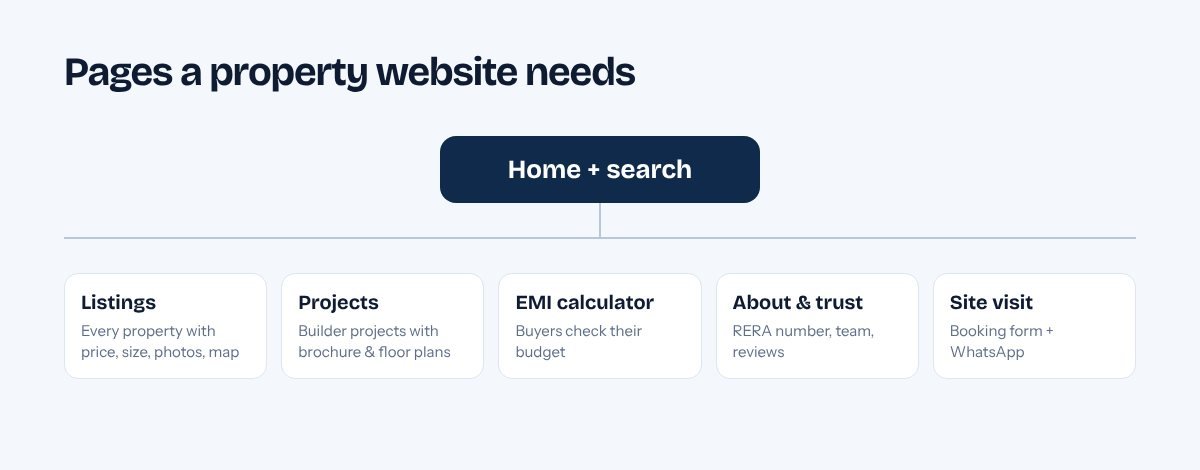
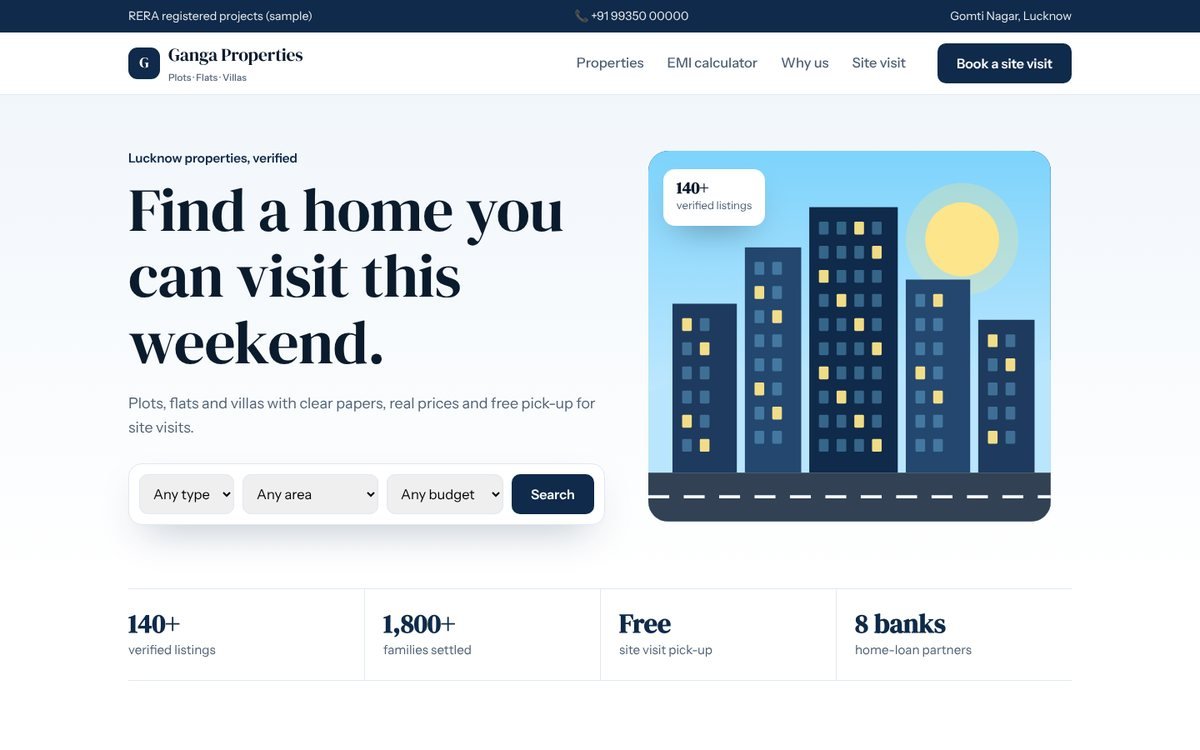
- Home with search — property type, area and budget filters, plus featured listings.
- Listings — one page per property with price, size, floor, facing, photos, map and status (ready / under construction).
- Projects — builder projects with brochure, floor plans and RERA number.
- EMI calculator — buyers want to know their monthly payment before they call.
- About & trust — your office address, team, years in business, reviews.
- Site visit — a simple booking form and WhatsApp button.
Step 3: Write listings that sell
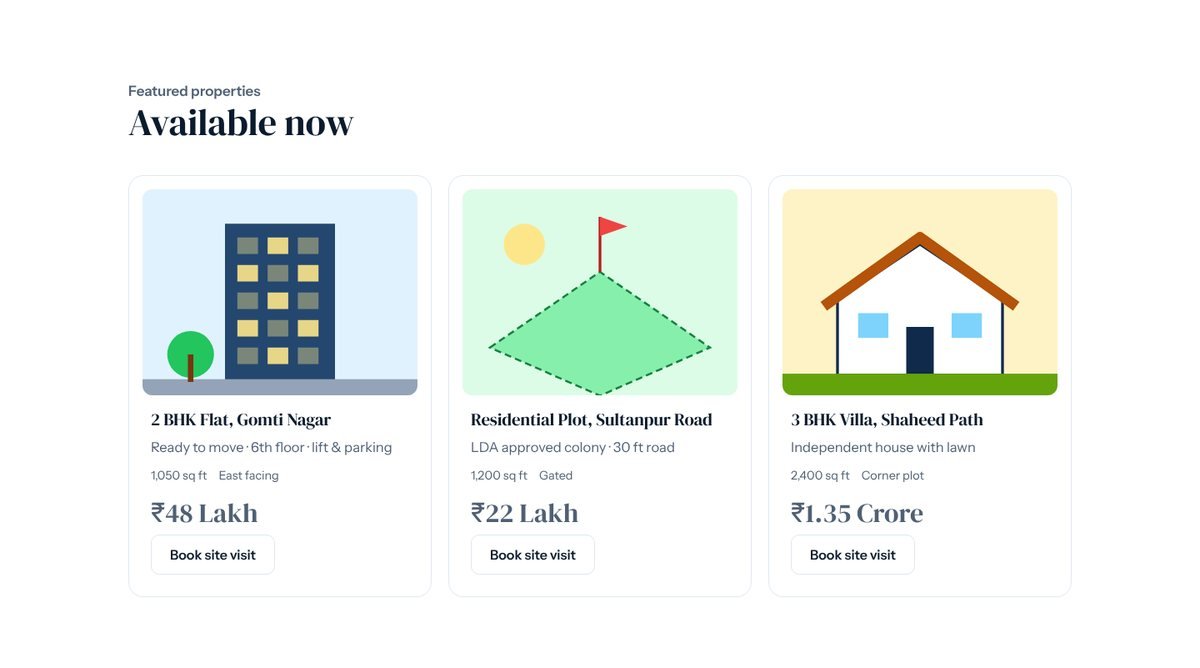
- Always show the price (or a clear range). "Price on request" listings get far fewer enquiries.
- Lead with the facts buyers filter by: BHK, carpet area, floor, facing, parking, possession date.
- Use real photos taken in daylight, including the approach road and neighbourhood.
- Add the exact location on a map and nearby landmarks: schools, colleges, markets, metro, highway.
- Mark sold properties instead of deleting them — it shows you actually close deals.
Step 4: Add an EMI calculator
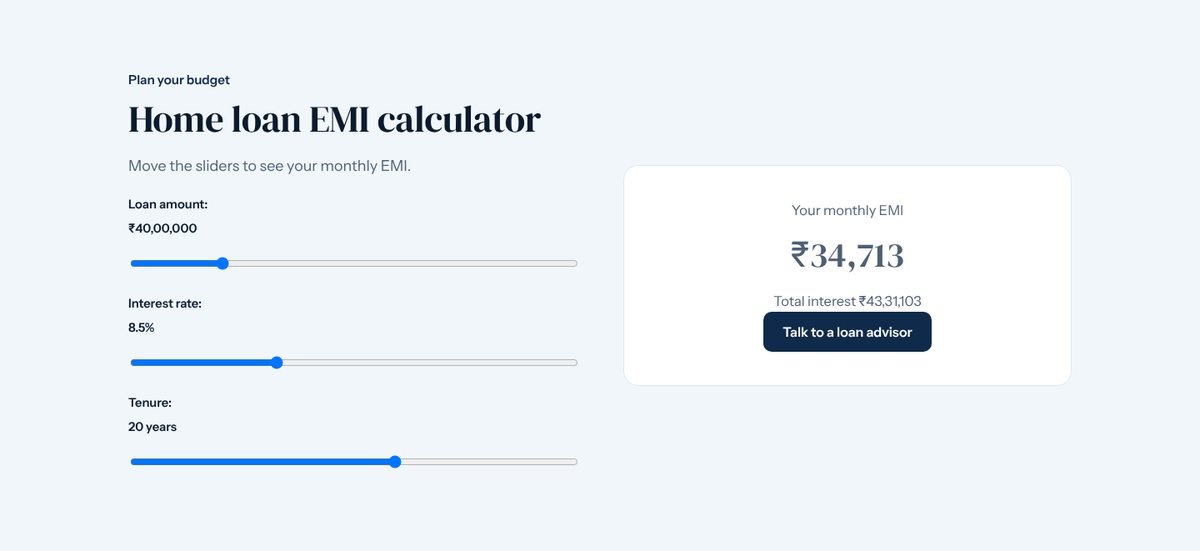
An EMI calculator keeps buyers on your site longer and turns "Can I afford this?" into "Let's talk". Pair it with a "Talk to a loan advisor" button if you work with banks.
Step 5: Build trust
- Show your RERA registration number where it applies to you or the project.
- Add your office address and photos, and a Google Maps pin.
- Collect Google reviews after every deal — our free review QR card makes it easy.
- Keep listings up to date. Old, unavailable properties are the fastest way to lose trust.
Step 6: Make it easy to enquire on a phone
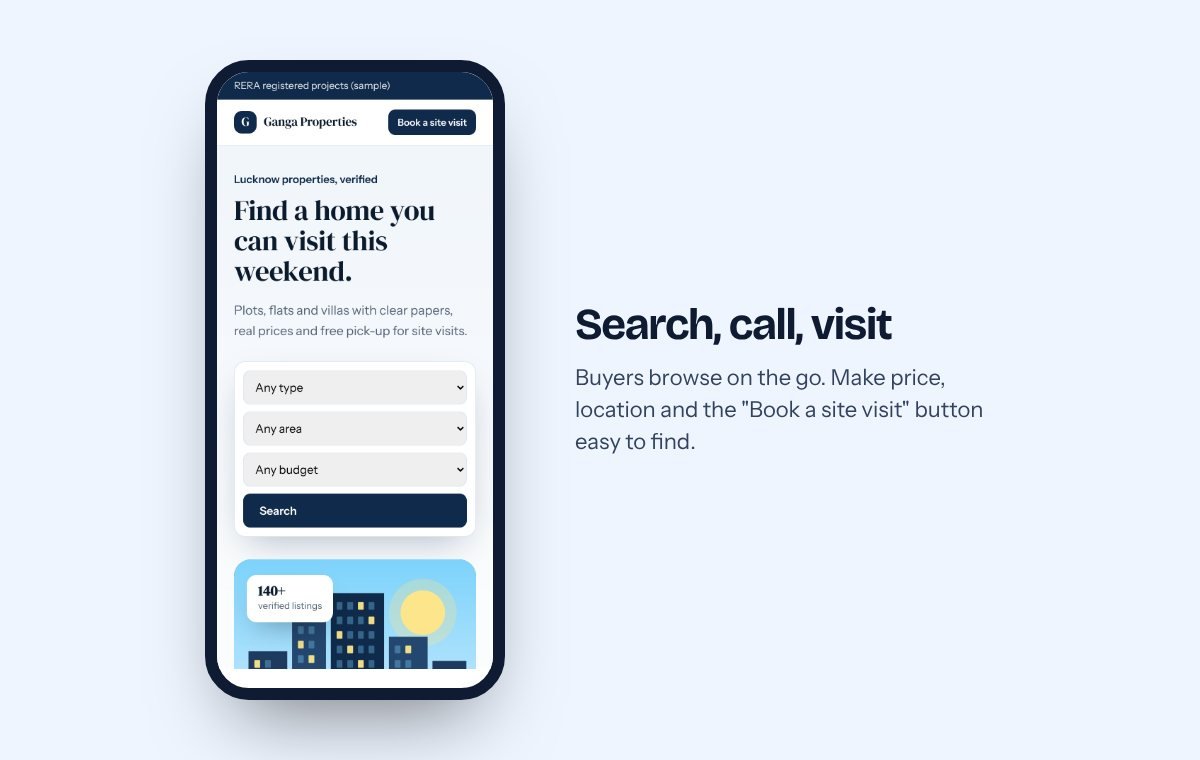
Buyers browse during commutes and lunch breaks. Put the WhatsApp button and "Book a site visit" on every listing, and keep forms short: name, phone, preferred day. Every WebQuibble site includes WhatsApp, call and map buttons.
Step 7: Bring visitors to the website
- Google Business Profile for "property dealer near me" searches — we can set it up.
- Facebook and Instagram ads pointing to a single project or listing. Estimate your results with our free Meta ad budget calculator.
- Tracked links in WhatsApp groups and brochures, so you know which channel brings buyers — use the UTM link builder.
- Local SEO pages such as "Plots on Sultanpur Road, Lucknow" — our SEO service builds these month by month.
How much does a real estate website cost?
A simple dealer website with up to 10 pages and an easy admin panel is our Pro plan at ₹19,899, ready in 1 day. If you want buyers to book site visits or pay token amounts online, or need a Hindi + English site, choose Premium at ₹39,899 (2 days). Large portals with logins for agents or owners are a custom project. Compare everything on the pricing page, or answer seven questions in the website cost calculator.
Frequently asked questions
Can I add and remove properties myself?
Yes, on Pro and above you get an admin panel to add listings, photos and prices from your phone or computer.
Do I still need 99acres or MagicBricks?
Portals bring volume; your website brings trust and enquiries that are only yours. Most dealers use both and link portal listings back to their own site.
Open the real estate demo or talk to us about your listings.
Tell us about your business. We'll reply on WhatsApp within an hour.
No sales calls you didn't ask for. Just a clear answer on what you need and what it costs.