
Marriage Home Website in 2 Minutes: Pick a Design, Pay, Go Live the Same Day
Order a complete marriage lawn or banquet hall website in about 2 minutes, and see exactly what it should include: photos, capacity, packages, date check and WhatsApp.
 Ashish Yadav19 Nov 2026, 4 min read
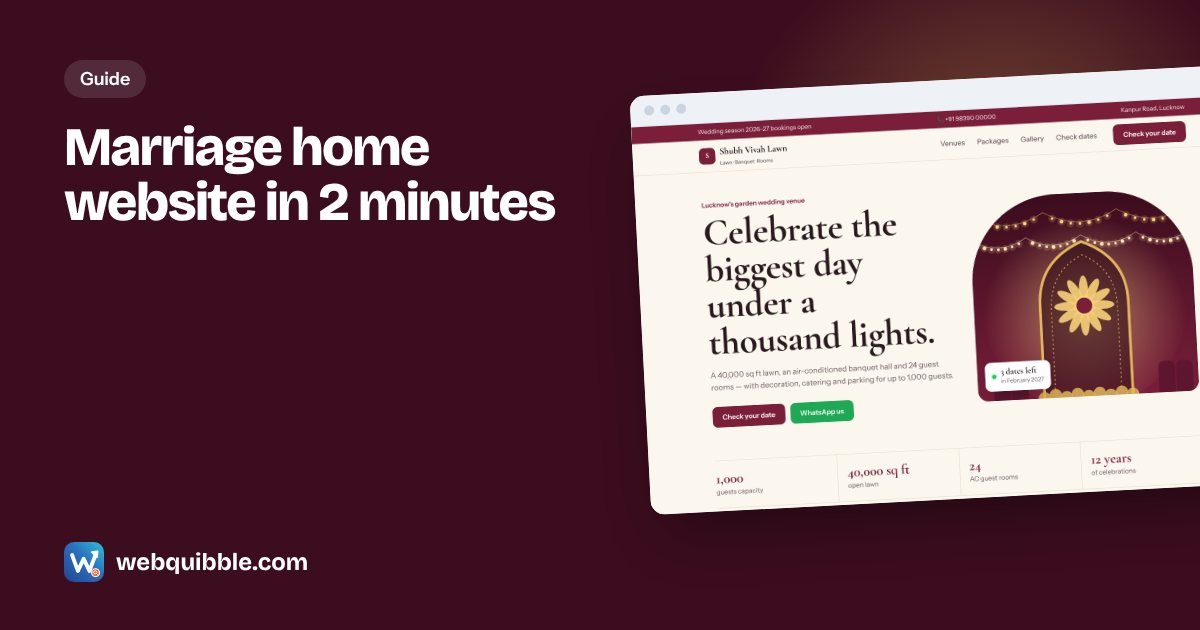
Most couples and families now shortlist a marriage lawn or banquet hall on their phone before they ever visit. They search "marriage lawn near me" or "banquet hall in Lucknow", look at photos, check the capacity and call the two or three venues that look right. If your venue has no website — or only an old Facebook page — you are not in that shortlist.
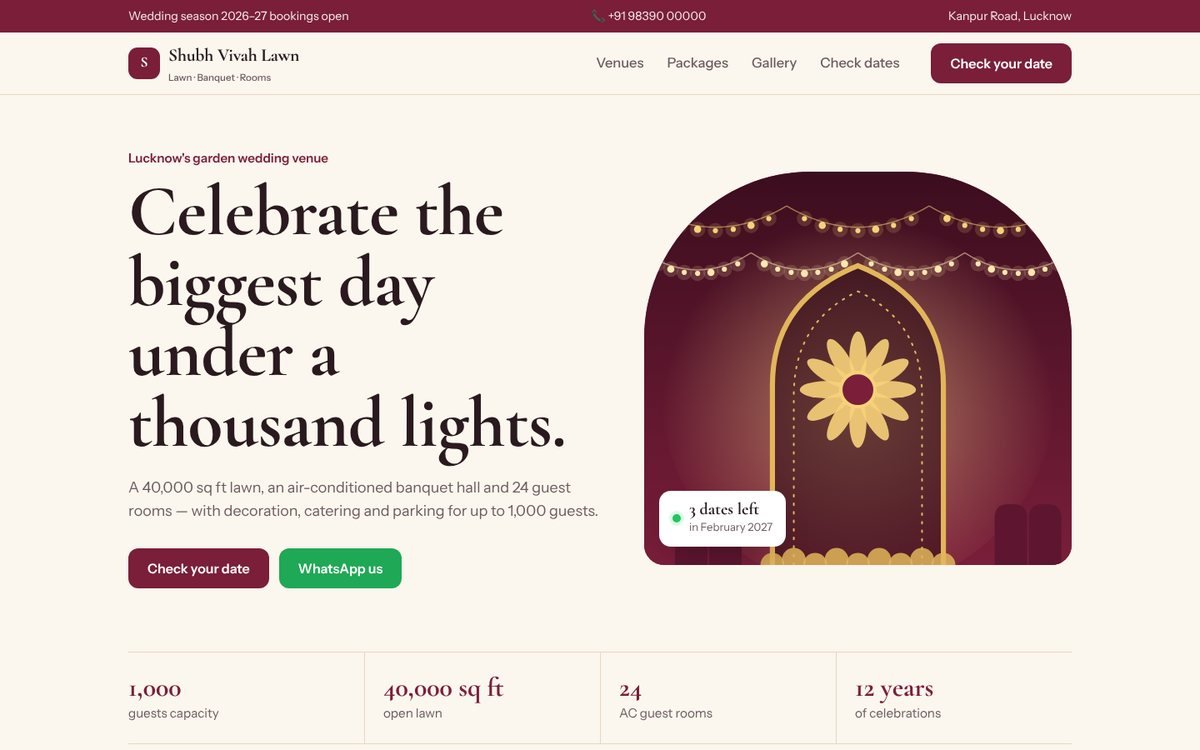
The good news: getting a proper marriage home website no longer takes weeks. With a ready-made design, placing the order takes about 2 minutes, and on our Basic plan the website goes live the same day once you send your photos and details. This guide shows exactly how it works and what your website should include.
The 2-minute version: how to order
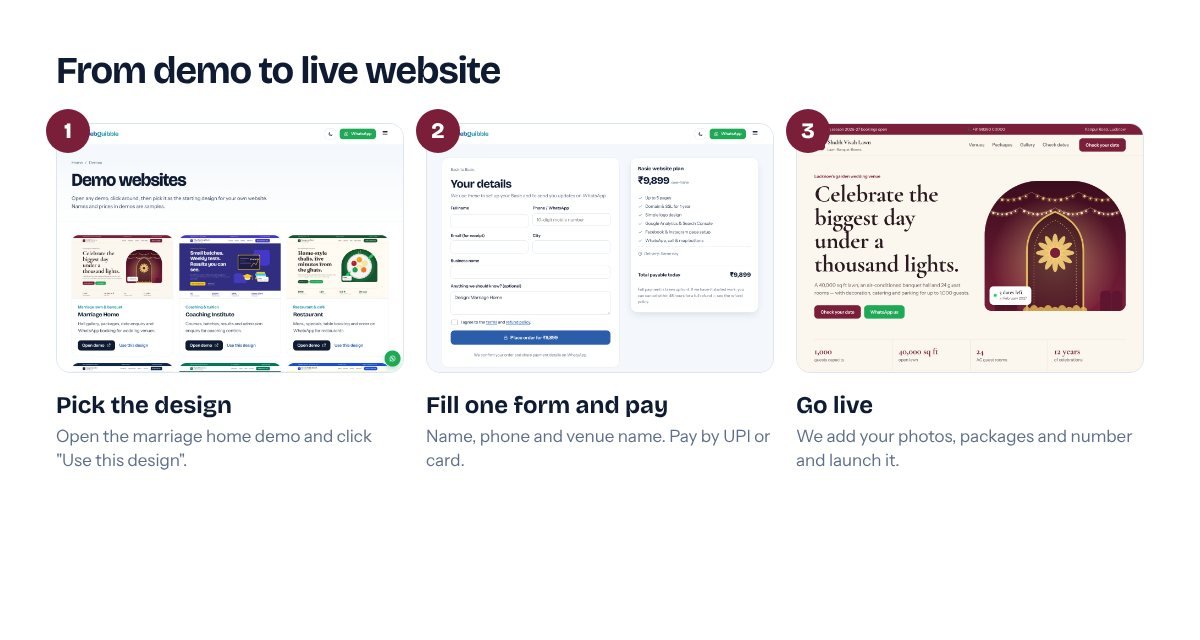
- Open the demo (30 seconds). Go to our demo websites and open Marriage Home. Click around: venues, packages, gallery and the date-check form all work the way your real site will.
- Click "Use this design" and choose a plan (30 seconds). For most venues the Basic plan is enough. If you want online booking, payments or a Hindi + English site, choose Premium.
- Fill one short form and pay (1 minute). Your name, mobile number, venue name and city. Pay with UPI, card or net banking. You get a WhatsApp confirmation straight away.
That is the whole order. After that, you send us your photos and details on WhatsApp, and we build the site with your name, packages and number on it.
What a marriage home website must have
People choosing a venue are trying to answer five questions quickly. Your website should answer each one without making them call first.
1. Real photos of every space
Show the lawn, the banquet hall, the stage, the dining area, rooms and parking — in daylight and decorated at night. Twenty good photos beat a hundred blurry ones. If you have photos from real weddings (with the family's permission), use them; they sell better than empty-hall shots.
2. Capacity, clearly
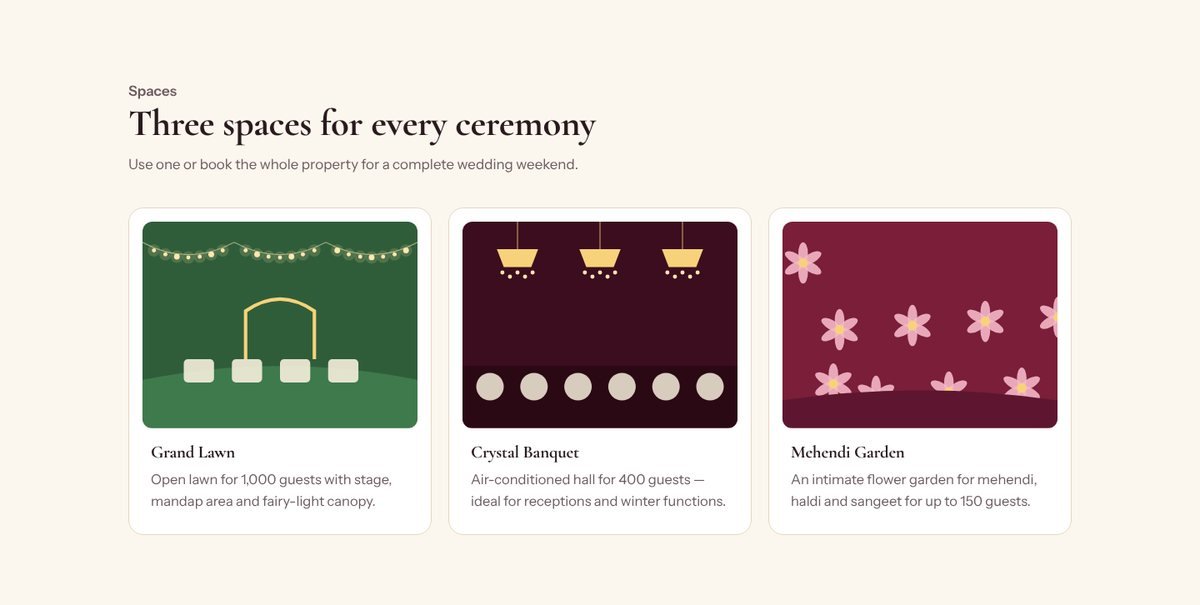
Write the guest capacity for each space ("Lawn: up to 1,000 guests", "Banquet: 400 seated"). This one number decides whether a family keeps reading.
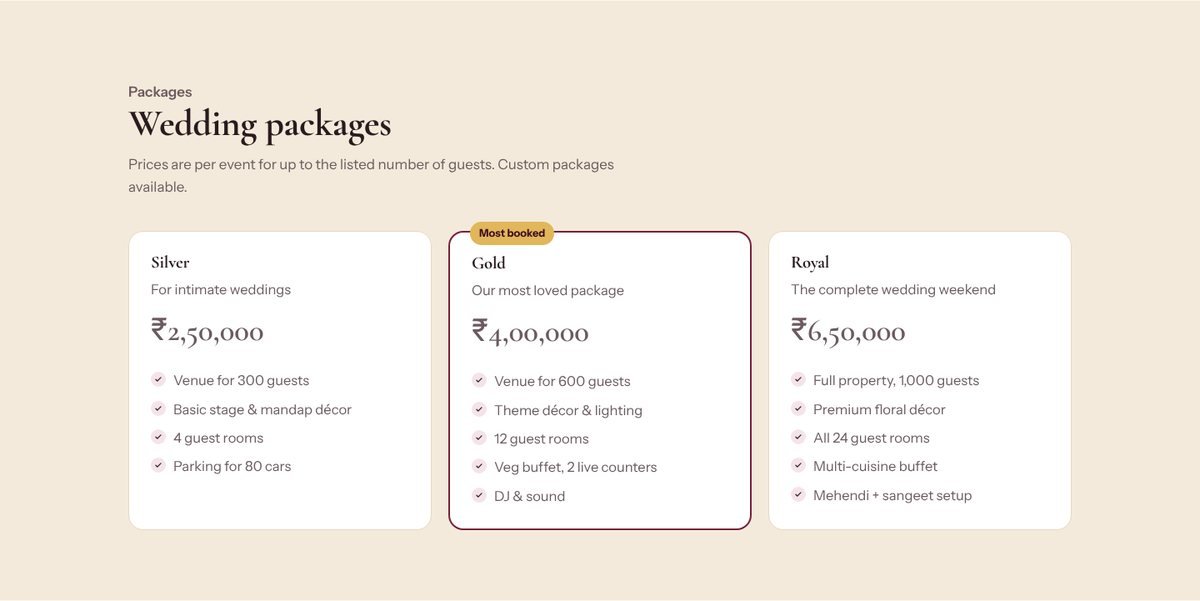
3. Packages with a starting price
You don't have to publish every rate, but a "starting from" price for each package builds trust and filters out people who can't afford you — which saves you calls.
4. A "Check your date" form and WhatsApp button
Dates are what families care about most. A simple form — name, phone, date, number of guests — plus a WhatsApp button turns visitors into enquiries. Every WebQuibble site includes WhatsApp, call and map buttons.
5. Location and directions
Add your Google Maps location, a landmark ("near Amausi airport") and parking details. Guests will use this page on the wedding day too.
Make it work on phones first
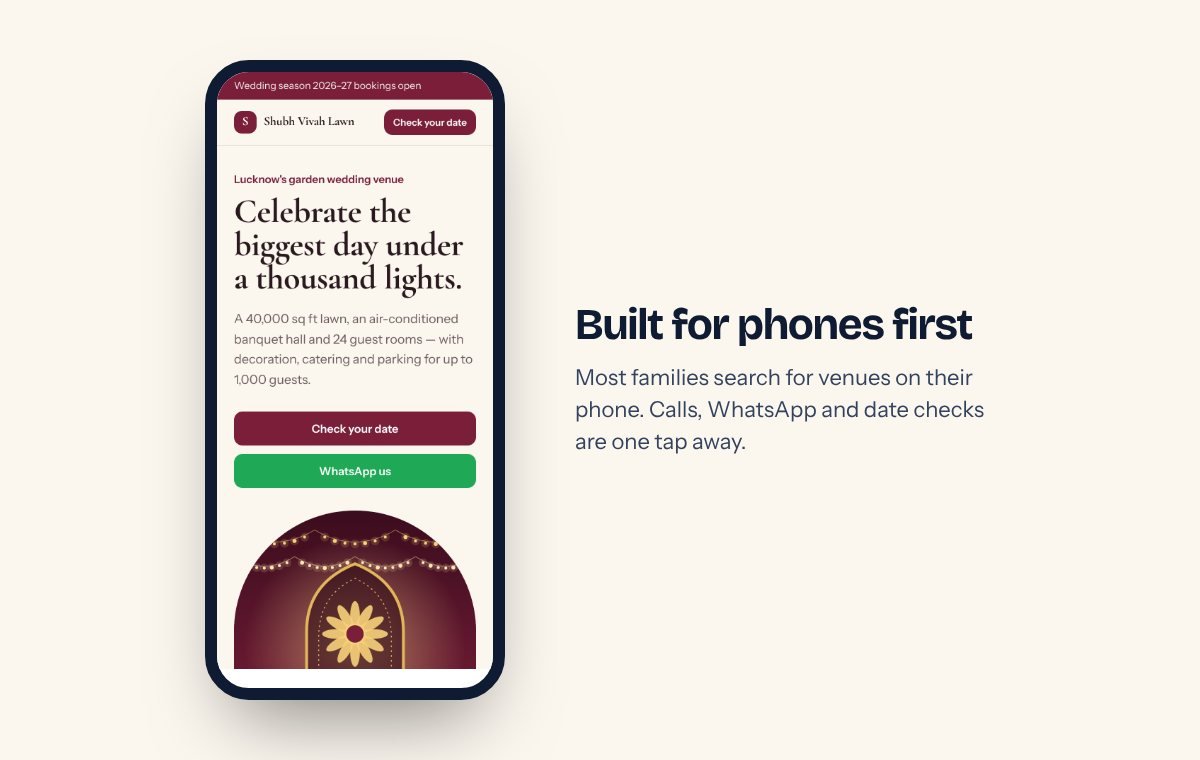
Most of your visitors will be on a phone, often on mobile data. That means fast-loading, compressed photos, big buttons, and the phone number visible without scrolling. Our demos are built mobile-first, so this is already handled.
What to send us after ordering
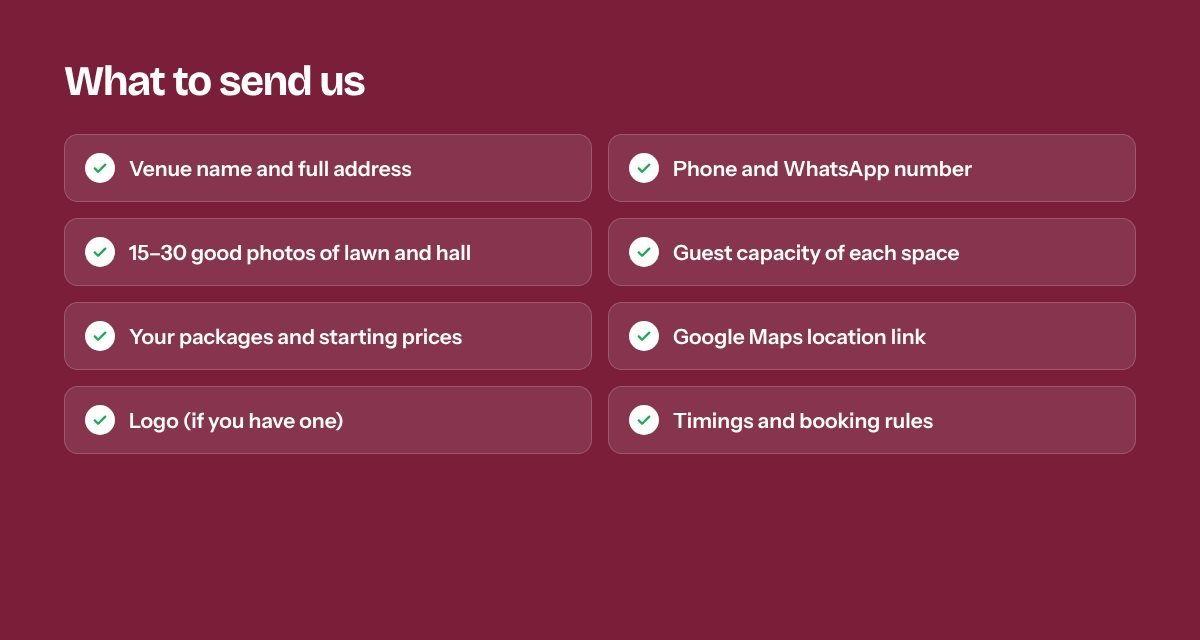
Having these ready is what makes same-day delivery possible. If you don't have a logo, the Basic plan includes a simple one. If you don't have good photos yet, we can launch with the best ones you have and add more later.
After launch: get found on Google
- Google Business Profile. This is what shows your venue on Google Maps for "marriage lawn near me". Link it to your new website. We can set it up and optimise it for you.
- Ask for reviews. After every function, send the family your review link. Our free Google review QR card lets guests scan and review from your reception desk.
- Share the link everywhere. Instagram bio, WhatsApp status, visiting cards and wedding cards. Use our free WhatsApp link generator for a click-to-chat link.
How much does it cost?
A complete marriage home website starts at ₹9,899 one-time on our Basic plan, including the domain, SSL and a simple logo for the first year. Not sure which plan fits? Try the website cost calculator or compare everything on the pricing page.
Frequently asked questions
Can I update packages and photos myself later?
On Pro and above you get an easy admin panel. On Basic, send changes on WhatsApp — or add our Website Care plan and we handle every change for you.
Will the website show my venue's own name and domain?
Yes. The domain (for example yourvenue.in) is registered in your name and the website carries only your brand.
Is "same day" guaranteed?
Same-day delivery applies to the Basic plan once we have your photos and details. Bigger plans take 1–3 days; custom projects depend on what you need.
Open the marriage home demo or message us — we reply on WhatsApp.
Tell us about your business. We'll reply on WhatsApp within an hour.
No sales calls you didn't ask for. Just a clear answer on what you need and what it costs.